🖥 Native desktop app
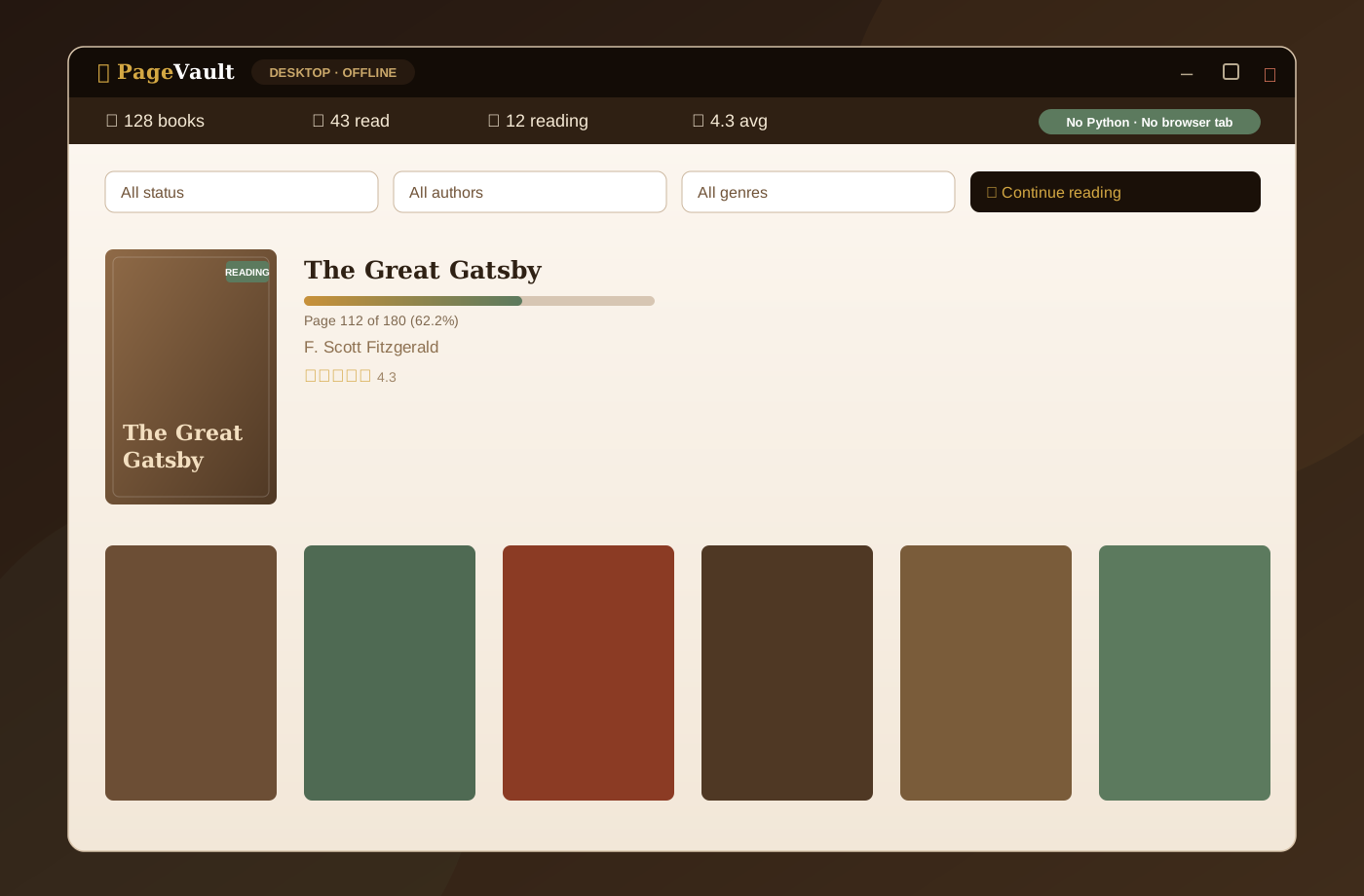
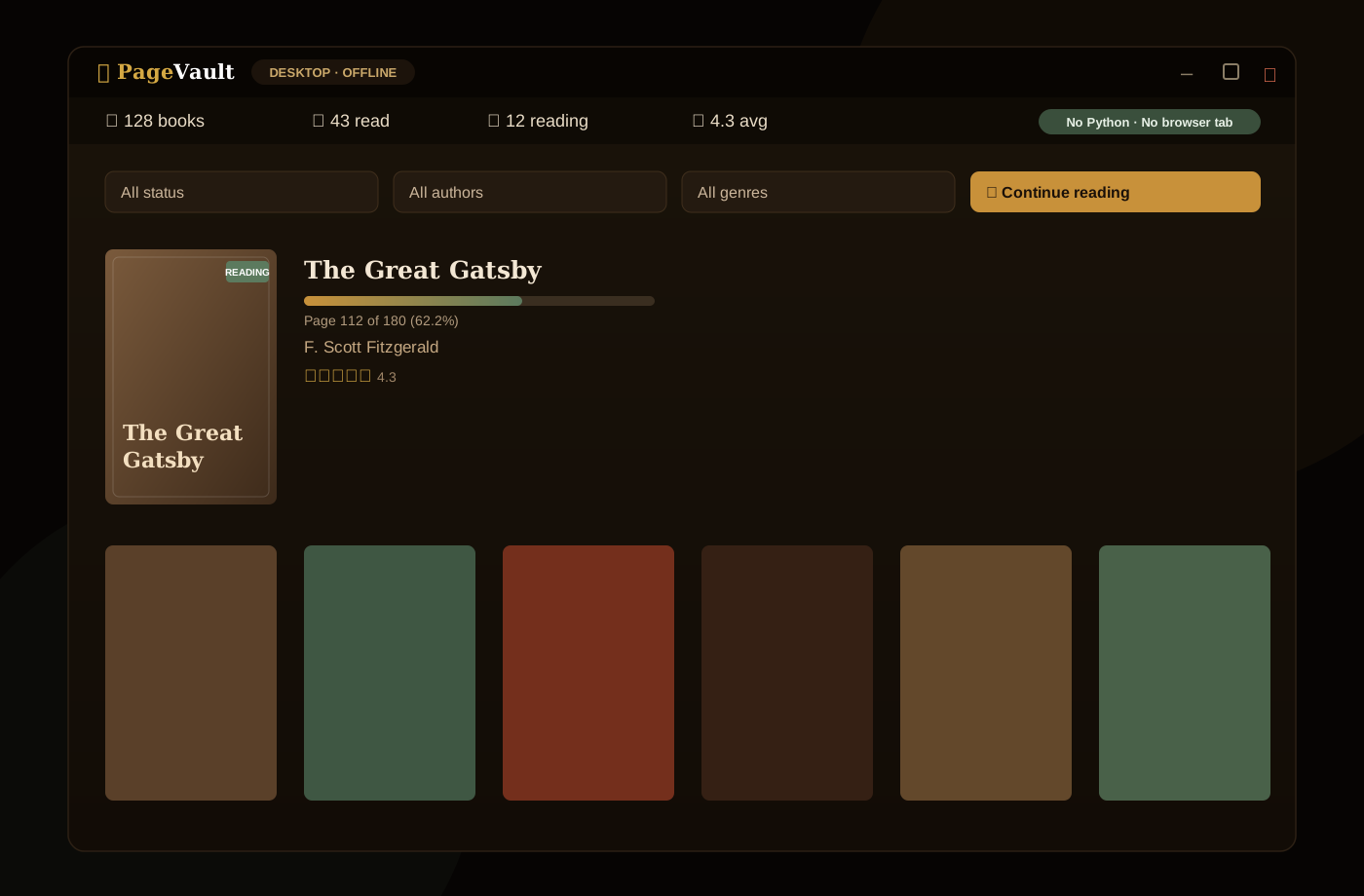
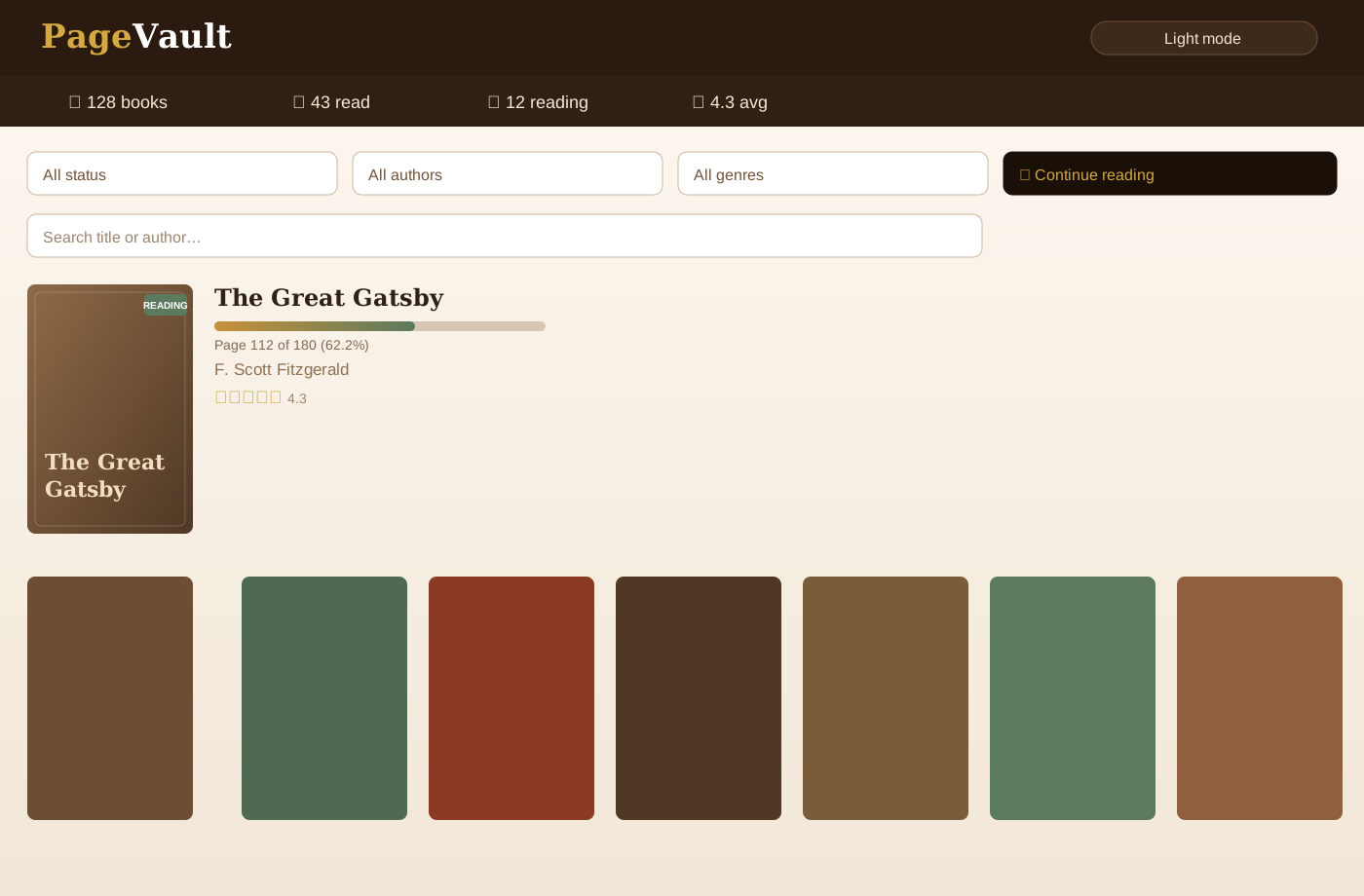
One-click Windows installer or portable zip — PageVault opens in its own window via WebView2, with no browser tab and no Python required.
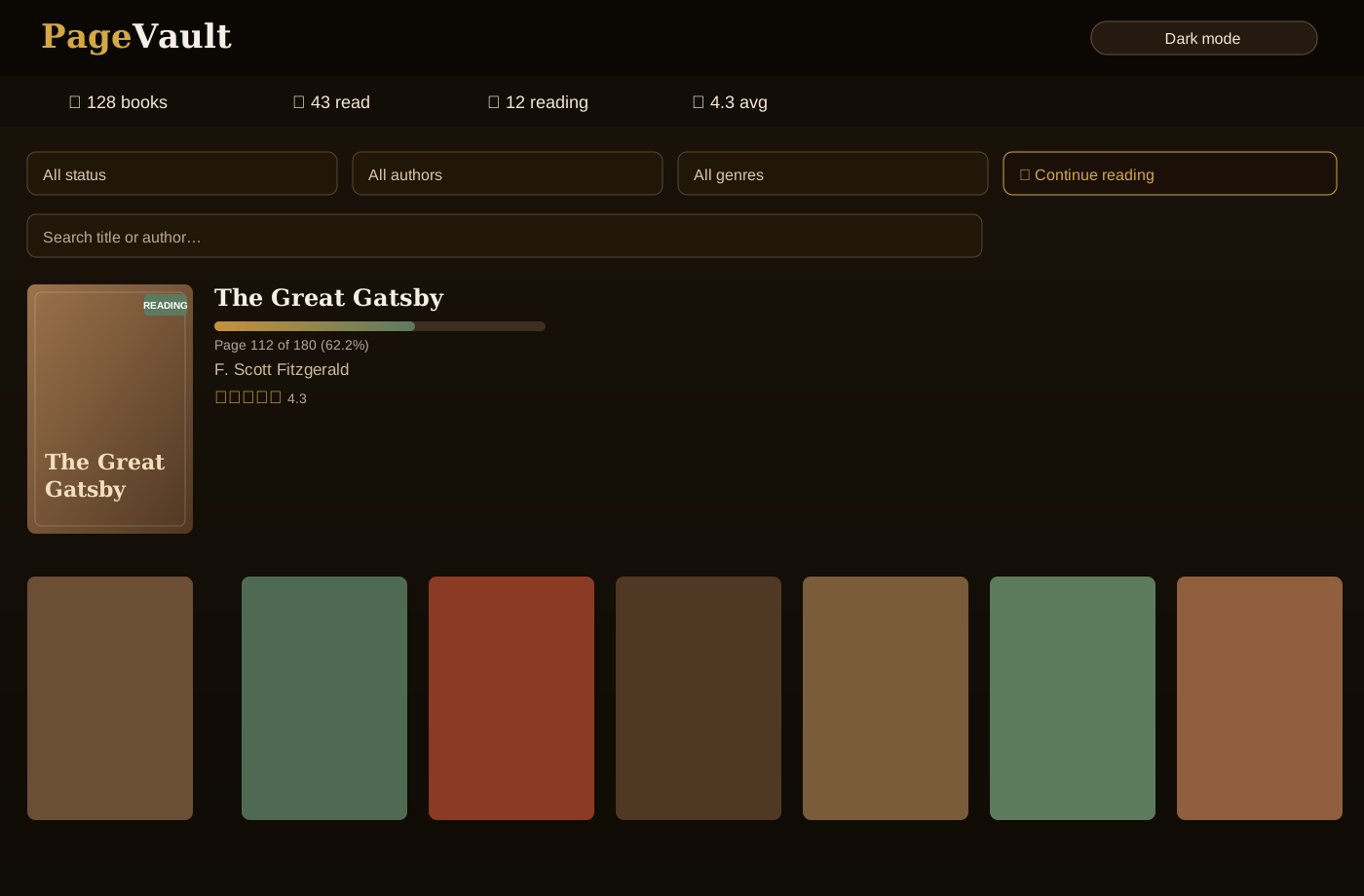
PageVault is a local Goodreads alternative with ISBN barcode scanning, shelves, tags, half-star ratings, a built-in EPUB/PDF reader, CSV portability, and a Plotly analytics dashboard with 20+ charts — 100% private. Run it as a one-click Windows app, or self-host it with Flask.
A native desktop build that opens in its own window — no browser tab, no Python to install. Your library stays local in %LOCALAPPDATA%\PageVault. Prefer the terminal? Self-host with Flask or Docker instead.
One-click Windows installer or portable zip — PageVault opens in its own window via WebView2, with no browser tab and no Python required.
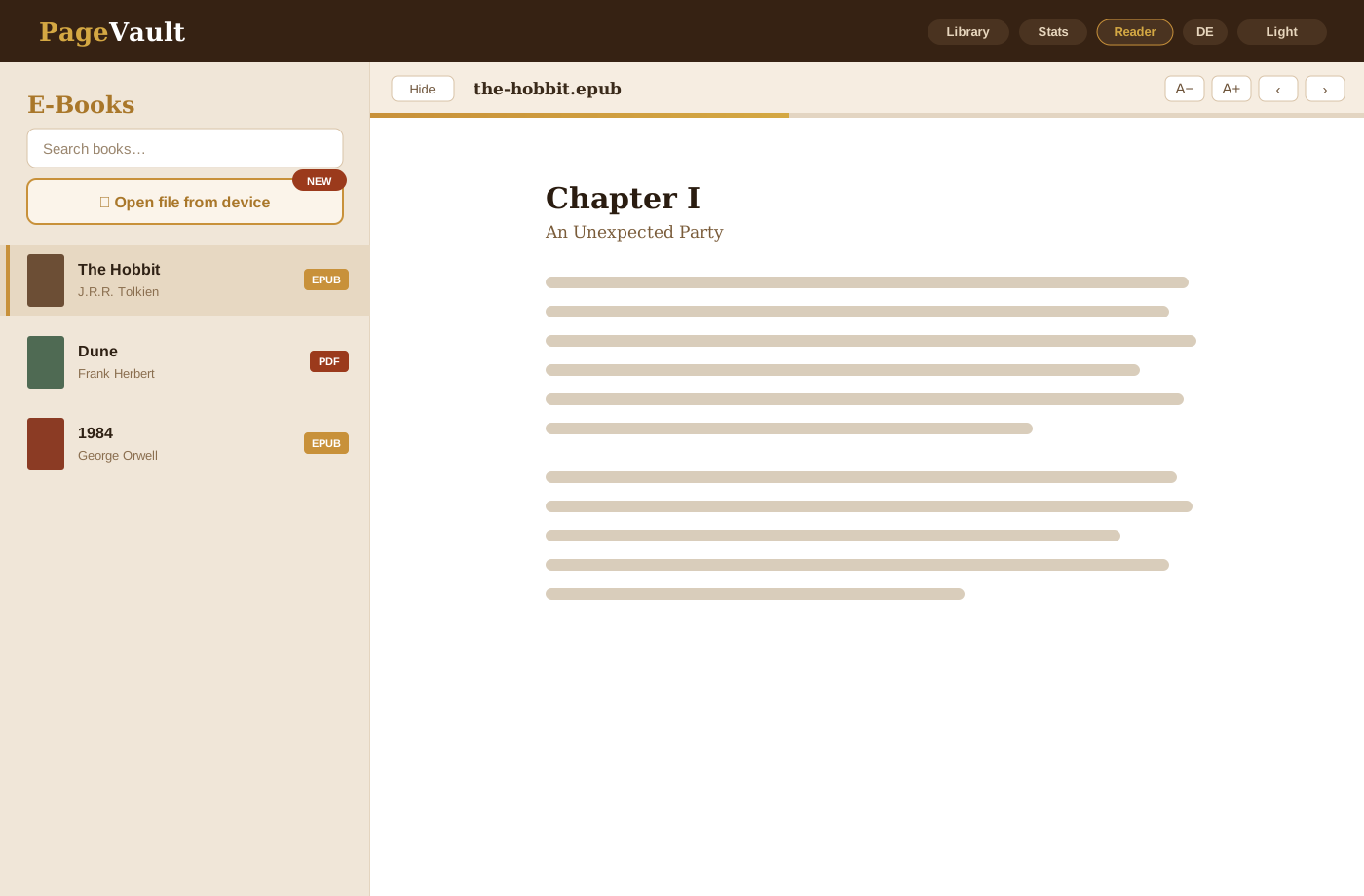
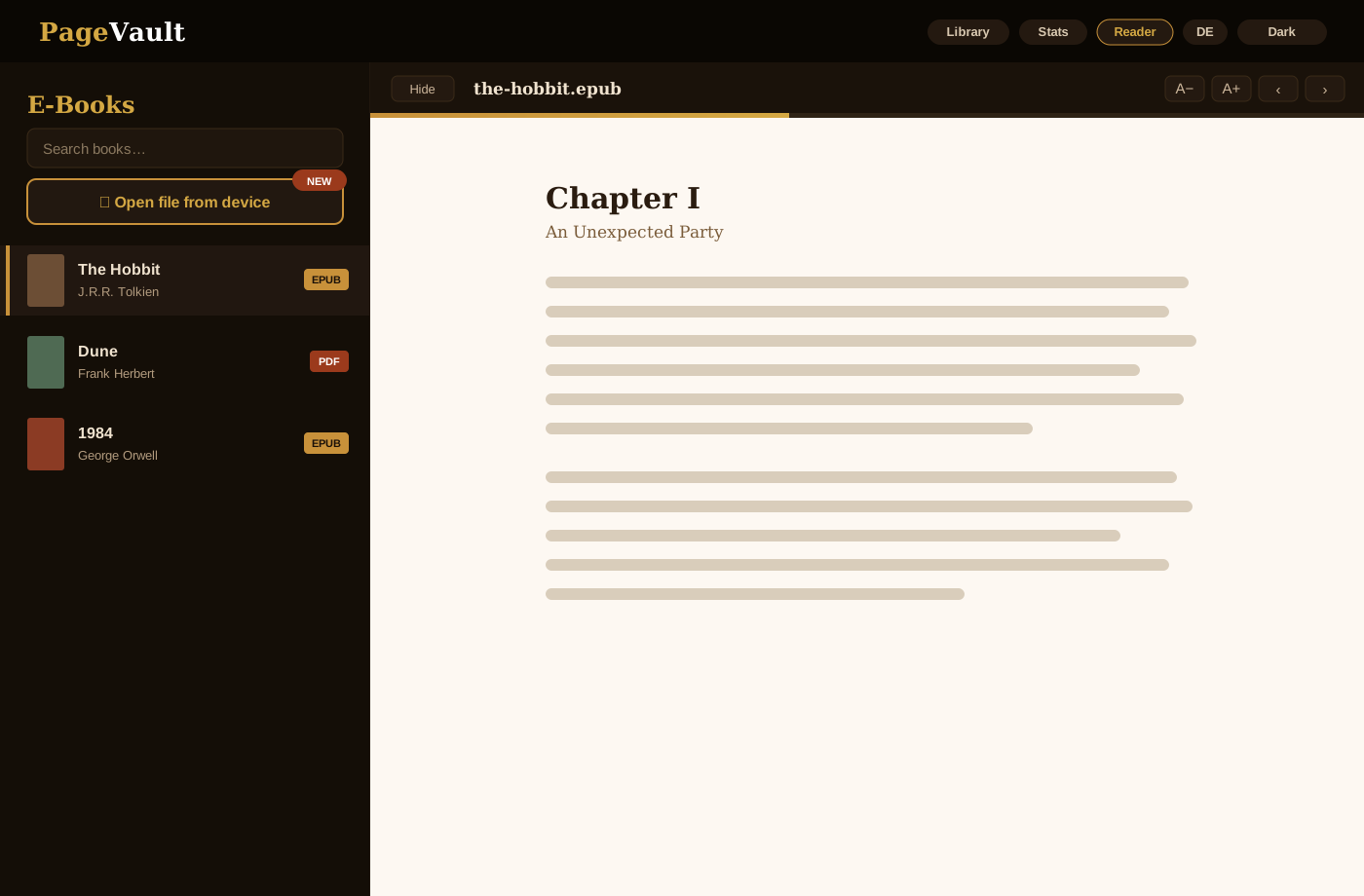
Read EPUB and PDF in-app with paginated view, font sizing, and saved position — open files attached to a book or straight from your device.
Scan from phone camera or enter ISBN manually with live metadata preview.
Organize books with multi-shelf assignment and interactive genre chips.
Filter by status, author, shelf, genre, or full-text query.
Status, genres, authors, ratings, formats, publishers, community vs personal ratings, decade distribution, and monthly trends — all filterable by date, format, and language.
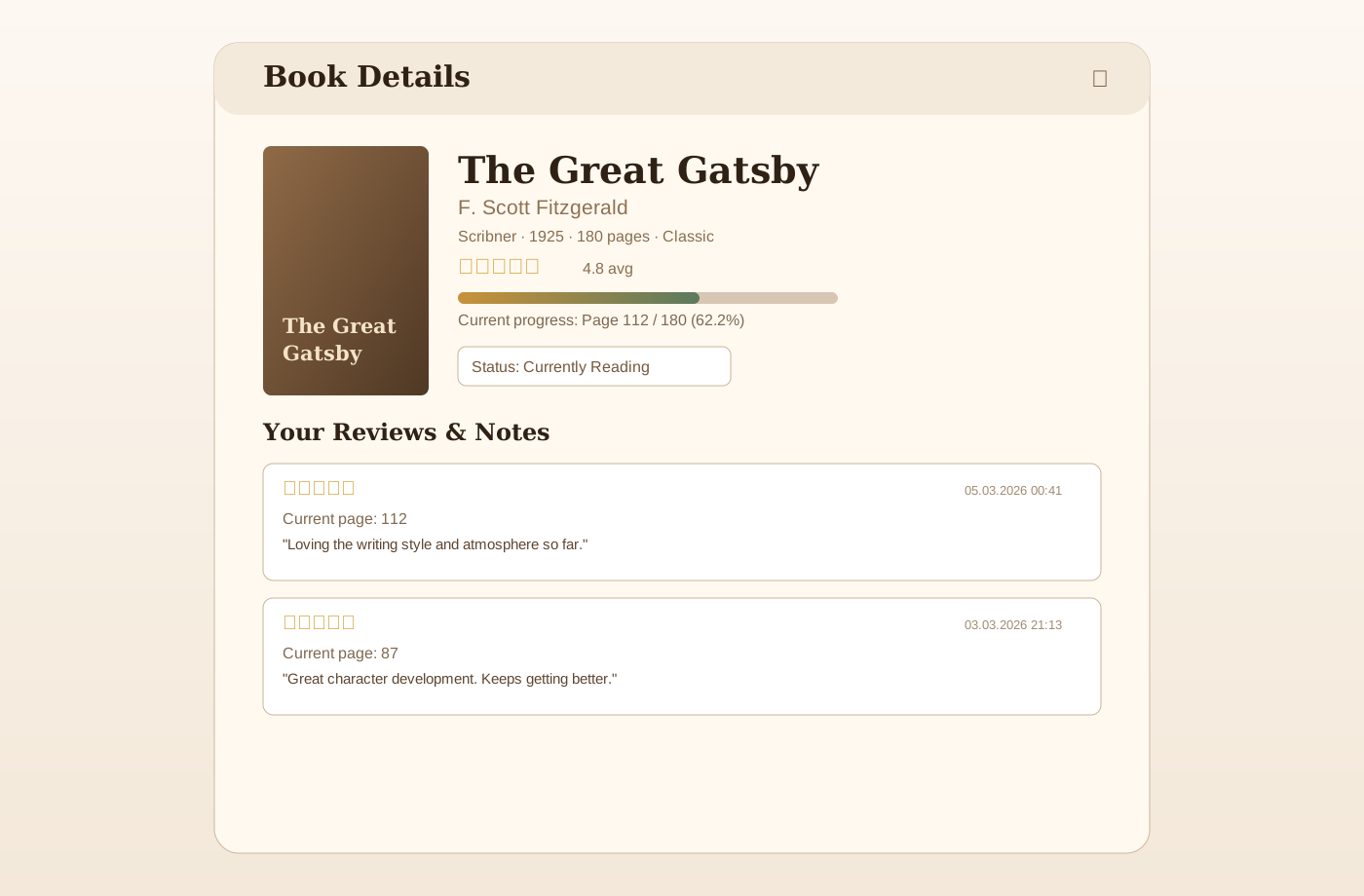
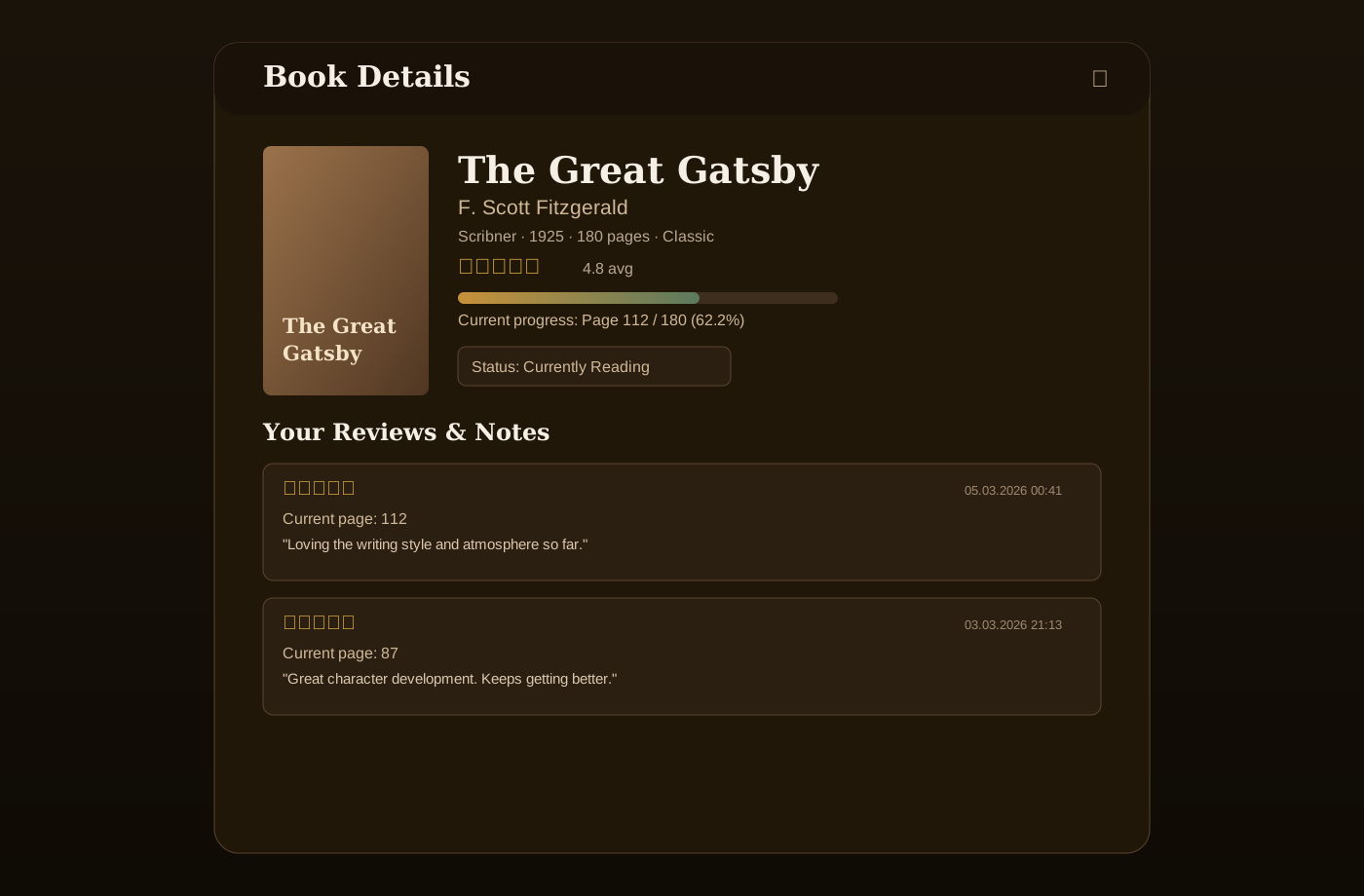
Rate books in 0.5-star increments, write review notes, and save favourite quotes with page numbers.
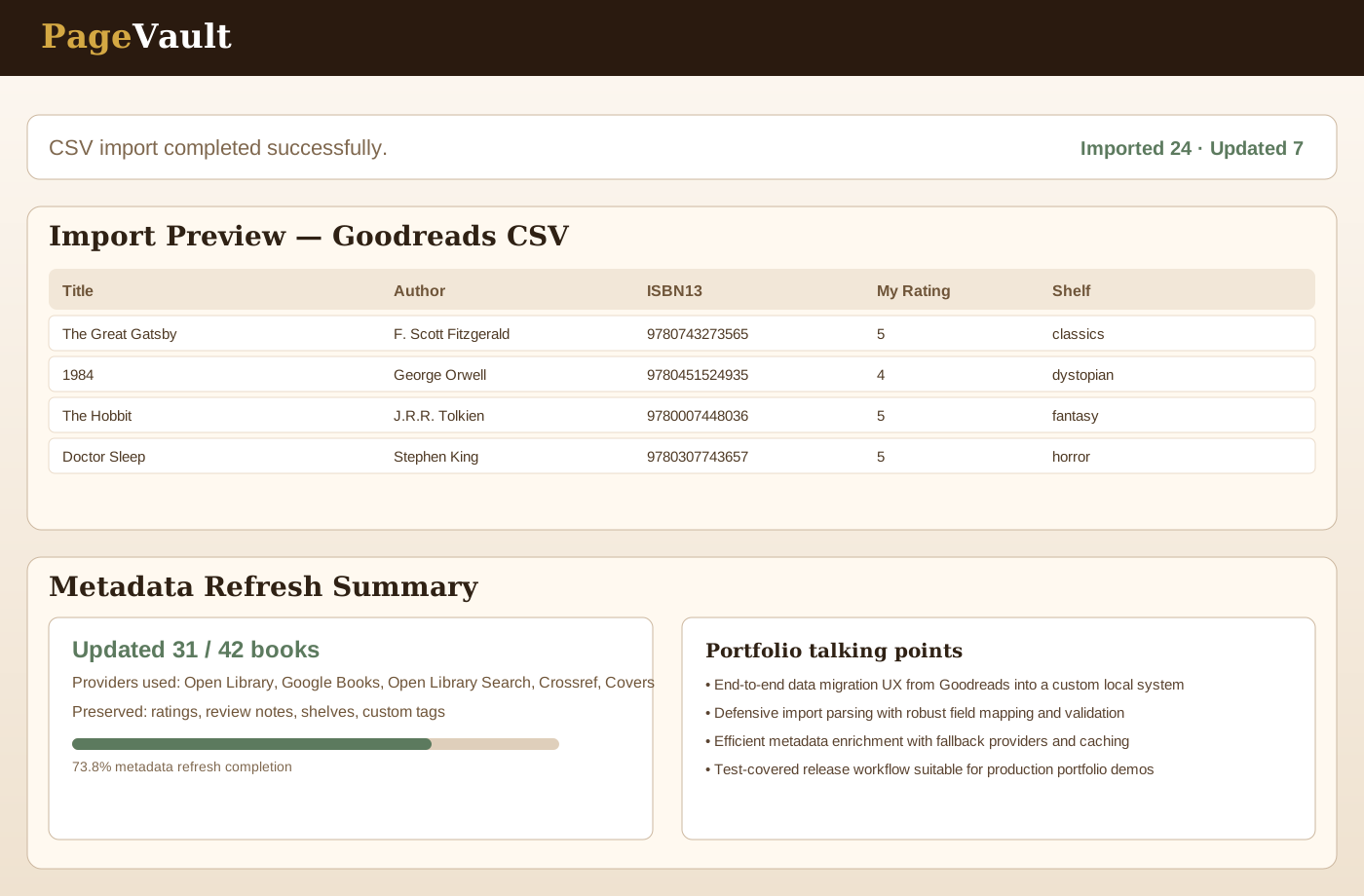
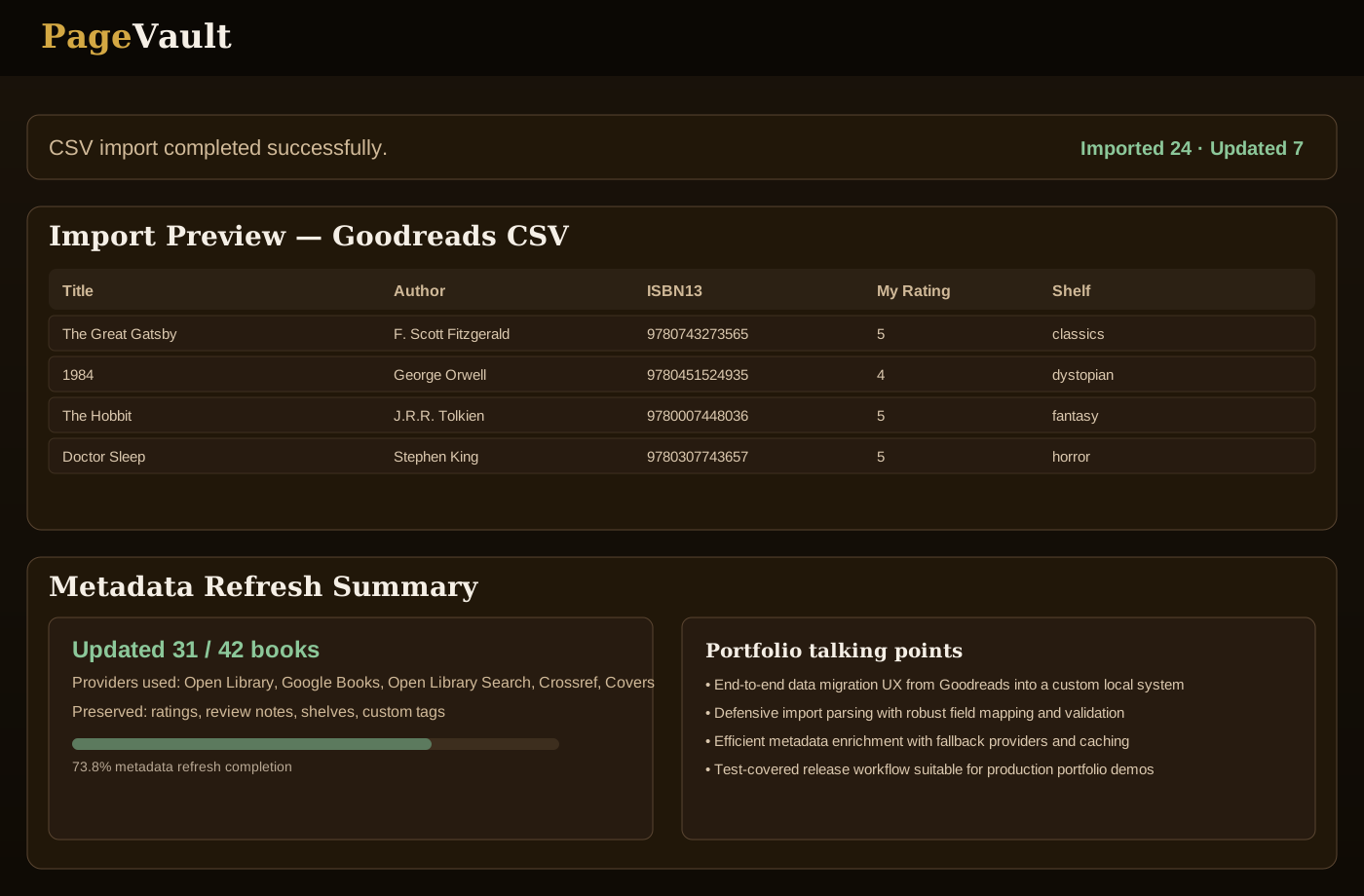
Bulk refresh metadata while preserving your reviews, shelves, and custom tags.
Export full library and import Goodreads-compatible CSVs.
Set annual reading targets, log sessions with page counts and time, and track your reading streak and speed.
GitHub-style 52-week reading calendar — see exactly when and how much you read at a glance.
Track series name and number, log re-reads with dates, and record book format, DNF status, and owned/wishlist state.
Scan a QR code on your home screen to open PageVault instantly on your phone — no typing required.
Get book suggestions based on your existing library, entirely offline.
Secure admin panel with password protection for diagnostics, backup, and restore operations.
One-click ZIP backup download, archive validation, and in-app restore workflow.
git clone https://github.com/ChristianAbele02/PageVault.gitpip install .python app.py — or python desktop.py for the windowhttp://localhost:5000app.py — factory, wiring, entrypointpagevault_core/api.py — all REST routespagevault_core/db.py — SQLite lifecycle + schema bootstrappagevault_core/metadata.py — multi-provider lookup + TTL cachepagevault.db — your entire library in one filepagevault.dbPAGEVAULT_ADMIN_PASSWORD is setDesign + UX, Flask API, SQLite data model, Docker deployment, and CI quality gates in one cohesive project.
20+ Plotly charts including reading heatmap, genre trends by year, speed per book, rating trends, time-to-finish, loan tracking, shelf breakdown, and more — with date, format and language filtering.
Automated tests, linting, and type checks gate every change; a CI pipeline builds and publishes the Windows installer (with optional code signing) on each release.